 WaveCast
Sponsor
Sponsor WaveCast
WaveCast has one place for a sponsor: a single row below Up Next, the queue people open to see what plays next. One sponsor at a time, with no banners and no pop-ups.
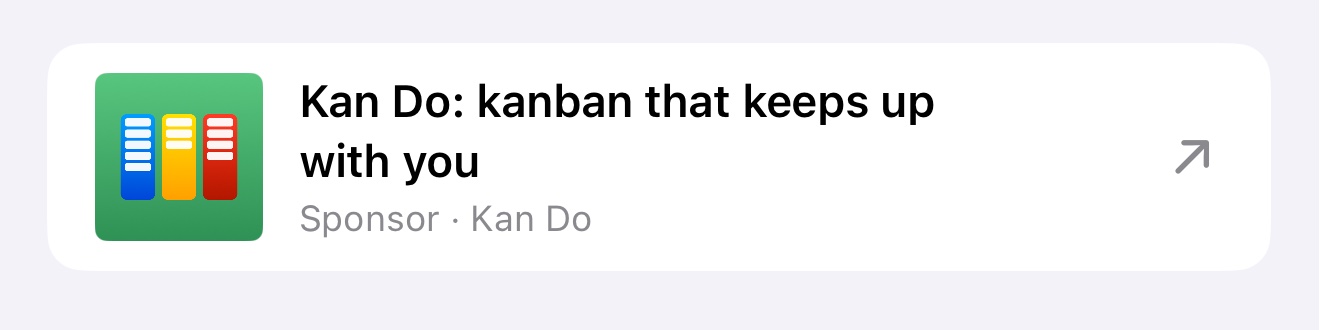
What listeners see
The sponsor looks like an episode in the queue, set apart in a card of its own and marked “Sponsor”. The example here is Kan Do, my own task manager.
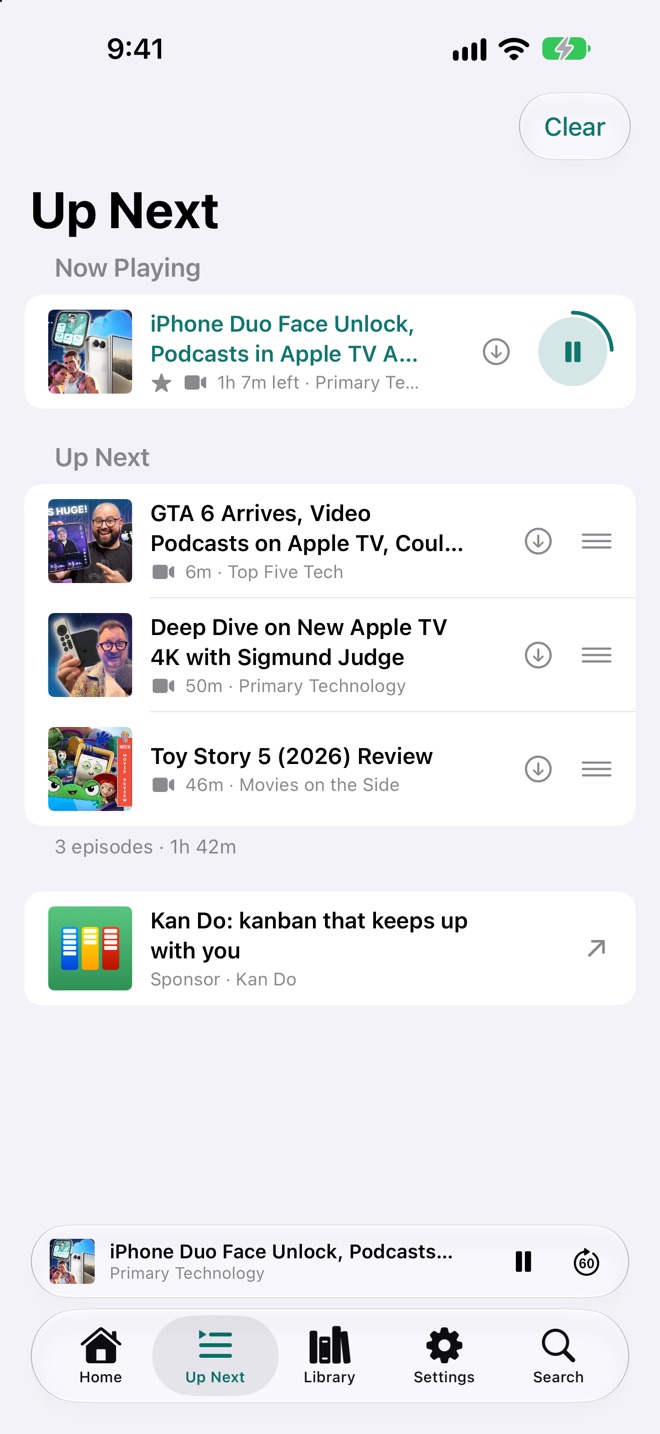
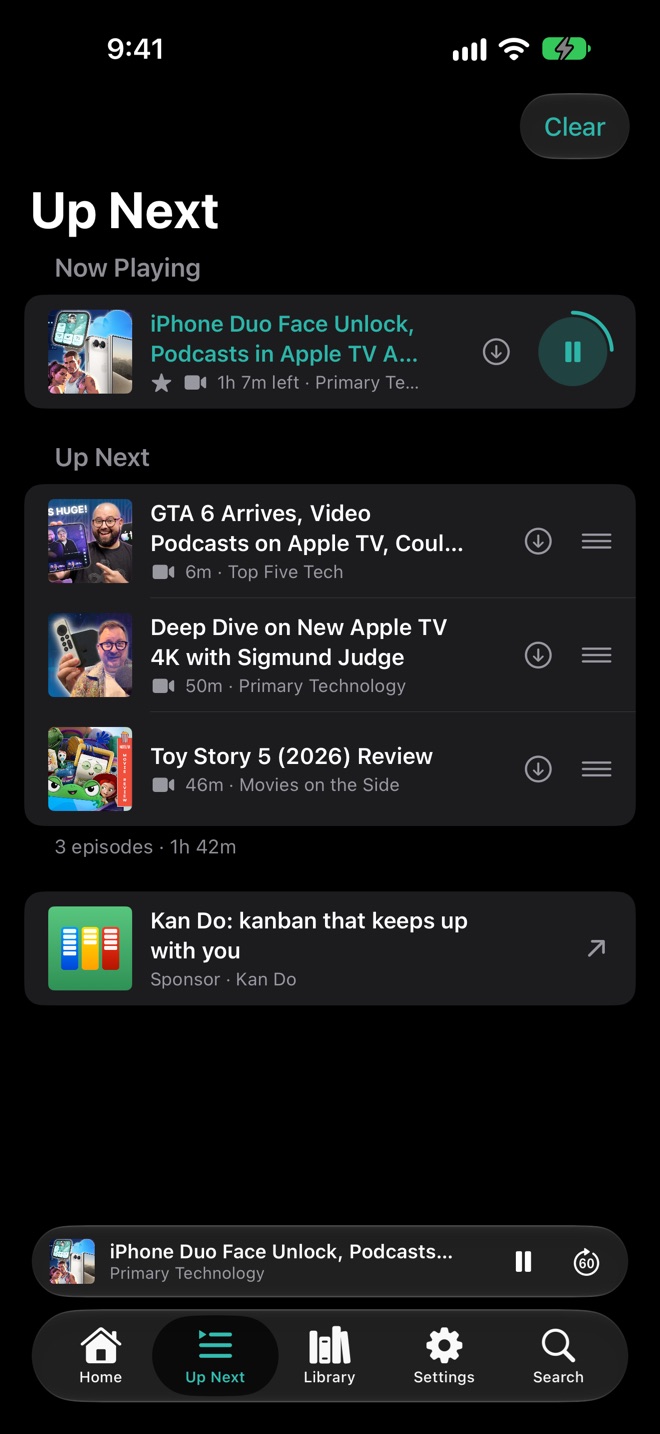
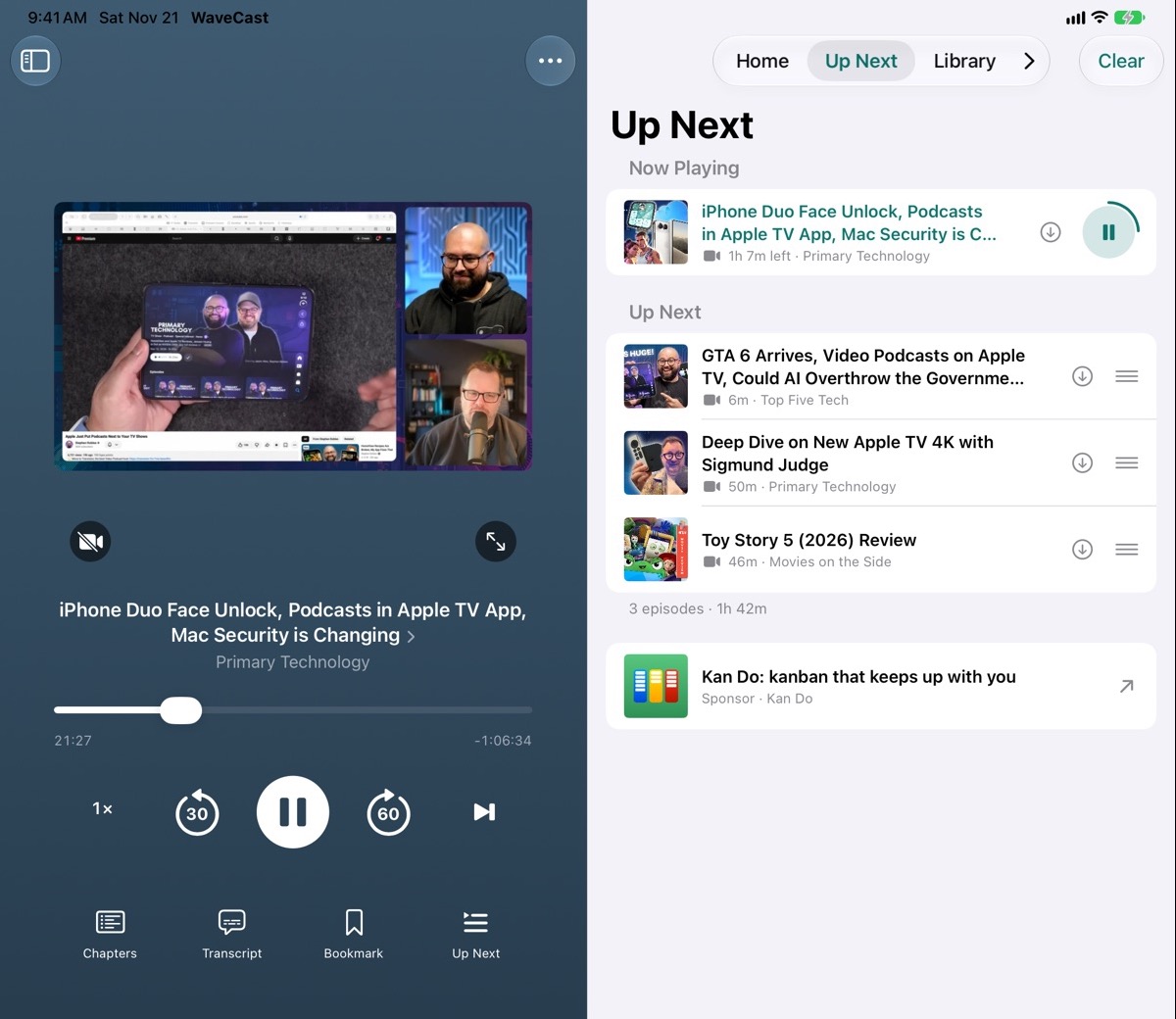
It is shown on iPhone, iPad and Mac.
How it works
- One sponsor at a time. Yours is the only one in the app while it runs.
- A tap goes where you choose. A website opens in the browser. If you are sponsoring with a podcast, the tap opens your show’s page inside WaveCast, where people can play an episode or follow the show.
- It runs for the dates we agree and comes down by itself after the last day.
- Subscribers don’t see it. People who pay for WaveCast Plus have the sponsor hidden. Everyone else sees it.
- No tracking. WaveCast does not record who sees or taps the sponsor, so I can’t give you view or tap counts. To measure it yourself, send a link of your own that counts visits.
What to send
- A square picture, at least 600 pixels wide: your logo, app icon or show artwork. It should fill the whole square, edge to edge, with no rounded corners, border or shine around it. WaveCast rounds the corners itself. If you only have a rounded one, send what you have and I’ll prepare it.
- A headline of up to about 60 characters. It can run to two lines.
- Your name, as it should read after the word “Sponsor”.
- A link to your website, or your podcast’s feed address.
- The dates you would like.
Get in touch
WaveCast is in beta ahead of its App Store release. If you would like to be a sponsor, or want to know what is available, send me a message.